
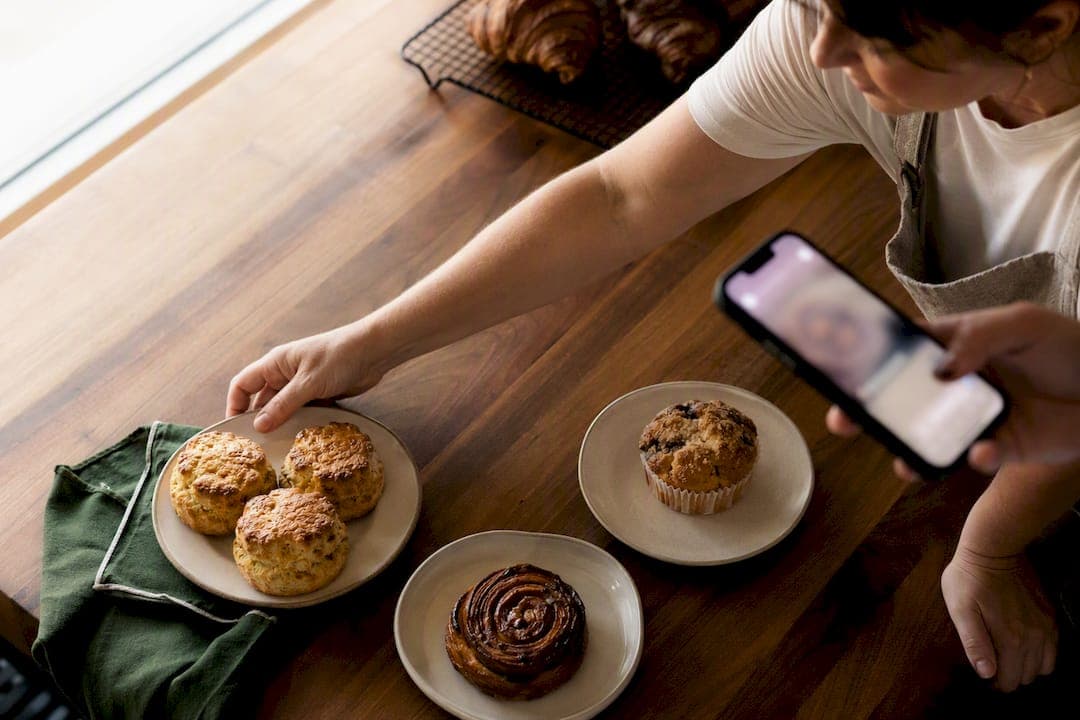
Post one weekly menu, back it up with a three-slide Stories sequence, and send every follower to a single ordering link. That's the entire system. The menu post gives your feed a permanent, scannable record of what's available; Stories create urgency and let people order with one tap; the ordering link, ideally a farm stand on a platform like Harvest Hub, removes the DM back-and-forth that eats your evenings.
TL;DR:
- Posting a weekly menu with clear photos, prices, and cutoff times simplifies ordering and increases the likelihood of immediate customer response.
- Using a single, consistent ordering link on platforms like Harvest Hub streamlines customer flow and reduces inquiry volume.
- Posting optimization occurs around weekdays between 2 PM and 3 PM, with strong initial captions that highlight availability and urgency.
- Tracking actual conversion metrics, such as link taps and reorder rates, provides better insights than follower count or vanity numbers.
- Transitioning from DMs to a verified farm stand website improves efficiency, builds trust, and enhances discoverability within local markets.
Table of Contents
- What to Post for Instagram Food Sales, and How Often
- How Do You Structure a Menu Post That Gets Orders?
- What's the Best Way to Handle Ordering Links on Instagram?
- What Legal Rules Apply to Selling Food on Instagram?
- When Should You Post, and What Should the Caption Say?
- Which Metrics Actually Tell You What's Working?
- A Note From Sheldon
- Give Your Instagram Orders Somewhere to Land
- Sources
What to Post for Instagram Food Sales, and How Often
You don't need to post daily to generate steady orders. Five content types do almost all the work, and rotating through them keeps your feed from feeling like a repetitive ad.
- Finished product shots — the golden, plated, or boxed version of what you're selling. This is what stops the scroll.
- Menu posts — the weekly lineup with prices and a cutoff date, pinned in your feed as the reference point.
- Stories — quick, disposable updates: "3 loaves left" or "ordering closes tonight."
- Behind-the-scenes — dough proofing, jars cooling, the market table getting set up. This builds trust faster than any sales copy.
- Customer proof — a repost of someone holding their order, a comment screenshot, a quick shoutout.
A sustainable rhythm looks like two feed posts and two to three Stories per week: one menu post, one product or behind-the-scenes post, and Stories filling the gaps. Batching photos on market day gives you enough material for the whole week in one sitting.
Track sales, not follower count. A page with 400 engaged local followers who order weekly beats one with 4,000 who never buy.
Pro Tip: Shoot your product photos in the same spot every week (same table, same light) so batching takes ten minutes instead of an hour of setup.
How Do You Structure a Menu Post That Gets Orders?
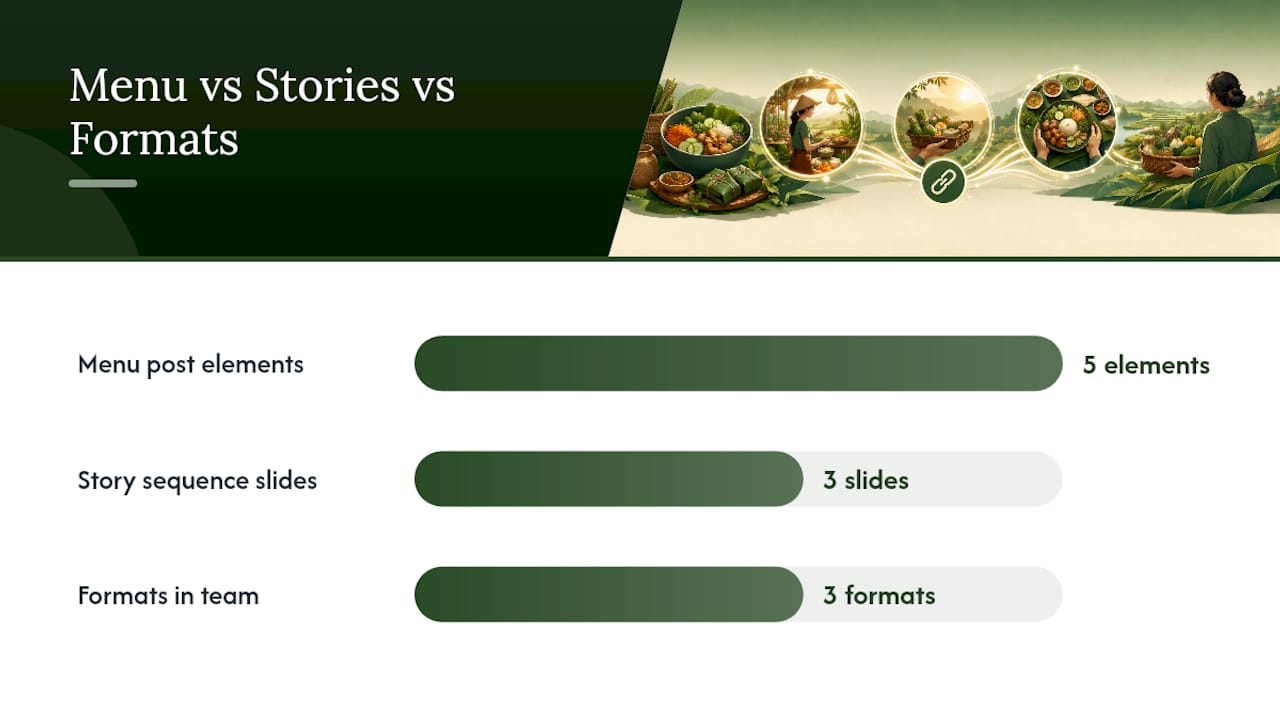
A menu post only works if someone can act on it without asking a question first. The formula that consistently drives orders includes five elements:
- A clear product photo — well-lit, no clutter, the food itself as the focus.
- A scannable list of items with prices — not a paragraph, a list someone can read in three seconds.
- An ordering cutoff — "Orders close Thursday at 6 PM" removes the guesswork.
- Pickup or delivery details — where, when, and any limits.
- A direct call to action — "Order via the link in bio" beats "DM me" every time.
Stories carry the rest of the weight. The highest-converting sequence is three slides: a product photo, the same menu with prices, and a link sticker centered on the final slide that goes straight to your ordering page. That structure converts followers without a single DM, because the customer never has to type anything.
Think of the three formats as different jobs on the same team. Reels handle discovery, since they're what non-followers see first. Stories handle conversion, because they carry link stickers and sit at the top of the app where people check first. Feed posts handle permanence, the thing a new follower scrolls back through to decide if you're legit.
Pro Tip: Pin your latest menu post as the top of your grid so anyone landing on your profile sees prices and availability immediately, not a random cake photo from three months ago.
What's the Best Way to Handle Ordering Links on Instagram?
Most small sellers try Google Forms first because it's free. It works, but it means checking a spreadsheet manually and messaging people to confirm. Shopify handles payment automatically but comes with monthly fees that don't make sense until you're selling in volume. Marketplace storefronts and direct payment links sit somewhere in between: less setup than Shopify, more structure than a form.
The principle that matters more than which tool you pick: use one ordering link, not several. A single link in your bio outperforms Linktree-style menus for local food sales, because every extra tap or choice is a chance for someone to bail.
Here's how the pieces connect:
- Set your bio link to point at one ordering page, whether that's a dedicated farm stand or a simple order form.
- Add a link sticker to every Story that mentions your menu, pointed at that same page.
- Pin a comment under your menu post that repeats the link, so people scrolling comments don't have to hunt for your bio.
Sellers who lean entirely on DMs usually find the message volume gets unmanageable once weekly orders climb past a handful. An ordering page, even a basic one, is what makes growth possible without living in your inbox.
What Legal Rules Apply to Selling Food on Instagram?
Cottage food laws vary by state, and Instagram doesn't change what your state requires. What's commonly regulated:
- Which foods qualify as "cottage food" (usually low-risk, non-perishable items like baked goods, jams, and dry mixes).
- Labeling requirements, including allergen disclosures and a statement that the product is homemade.
- Registration or permit requirements, which range from none to a formal application depending on your state.
Keep basic records of what you sold and to whom, set a clear pickup policy up front, and understand that local pickup and shipping often fall under different rules entirely. Check your state health or agriculture department's guidance before you scale past casual sales to friends, since enforcement and thresholds differ from state to state.
When Should You Post, and What Should the Caption Say?
Timing isn't a guess. For food and grocery brands, engagement on Instagram typically peaks on weekdays between 2 PM and 3 PM, which lines up with people planning dinner or an afternoon snack run. Posting your weekly menu in that window gives it the best shot at being seen before people have already decided what they're eating.
Peak engagement for food brands: weekdays, 2 PM to 3 PM.
Your caption's first three lines matter most, since Instagram truncates the rest. Lead with the hook, not the setup: "Fresh sourdough, six loaves left" beats "Hey everyone, hope you're having a great week!"
Story CTAs that convert:
- A countdown sticker for the ordering cutoff.
- Link sticker copy that names the action: "Tap to order."
- A "last chance" Story an hour before the cutoff closes.
Which Metrics Actually Tell You What's Working?
Ignore vanity numbers. Watch four things: Story link taps, orders per menu post, your overall conversion rate (orders divided by reach), and how many customers reorder.
Run small experiments one at a time, not all at once:
- Post the same menu at a different hour and compare taps.
- Swap a styled photo for a plain one and see which gets more saves.
- Change your CTA wording from "DM to order" to "Link in bio, orders close Thursday."
Keep a one-page log, even a simple spreadsheet, that ties each post to its order count. After a month you'll know which format actually moves product instead of guessing.
A Note From Sheldon
I've watched sellers burn hours answering the same DM question five times a day, when a menu post and a link sticker would have handled it in seconds. The tactics here aren't clever, they're just consistent. What actually moves the needle is pairing that consistency with a place buyers trust, which is why verified local marketplaces matter as much as the posts themselves.
— Sheldon
Give Your Instagram Orders Somewhere to Land
Everything above works better once your ordering link points to something more permanent than a Google Form. Harvest Hub gives you a digital farm stand with a verified profile, real reviews, and one link that handles ordering, so your Instagram bio and Story stickers all point to the same trustworthy page instead of a patchwork of DMs and screenshots.
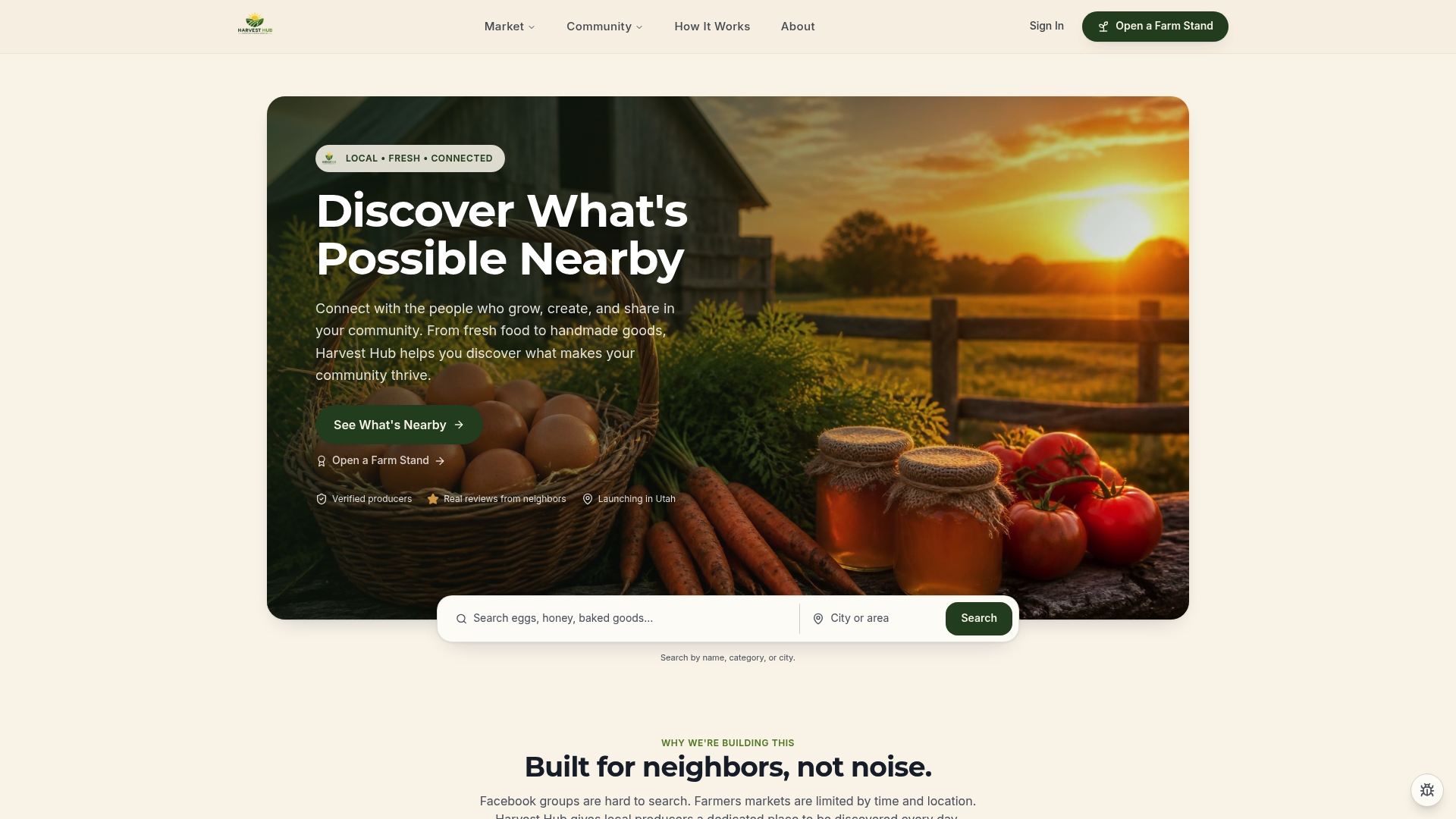
Setting one up takes three steps: claim your farm stand, list your products with prices and pickup details, and drop that single link into your Instagram bio and Story stickers. Sellers like the one behind Happy Farmers Market use exactly this setup, a verified profile that gives local buyers a reason to trust a first order. Marketplace discovery also means people searching for local food near you can find your stand even before they follow you on Instagram.
If you're ready to stop managing orders through your DMs, open a farm stand and connect it to your next menu post.
Sources
- Comscore — Best times to post on social: food and grocery brands
- How to write Instagram menu posts that get orders — FindHomegrown